Cross-document view transitions promise app-like page animations — but the implementation traps are real. Here's what your team needs to know before shipping.
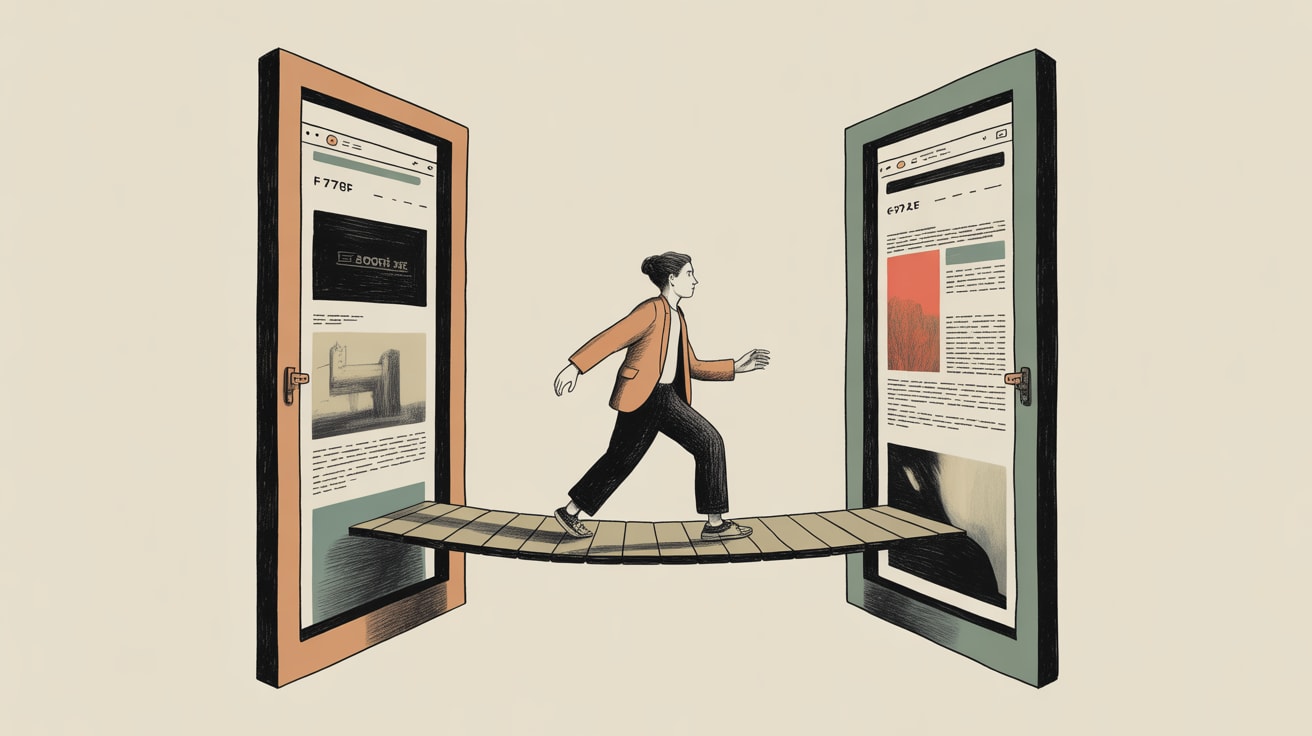
Cross-document view transitions are one of those browser features that look deceptively simple in the demo — a silky page-to-page animation that makes your multi-page app feel like a native experience. Then you try to ship it, and the edge cases start arriving like uninvited guests.
CSS-Tricks’ Durgesh Rajubhai Pawar just published a detailed breakdown of every gotcha the official documentation quietly glosses over. For any team considering view transitions as a perceived-performance lever — and you absolutely should be — this is required reading before a single line hits production.
The Opt-In Has Changed, and the Old Way Is Already Dead
The original mechanism for opting into cross-document view transitions used @view-transition { navigation: auto; } in CSS. That API has since been deprecated. The current approach moves the opt-in to the HTML <meta> tag, and if your codebase is still using the old CSS rule, you may be shipping broken transitions to users without any visible error — they simply won’t fire.
This matters more than it sounds. In fast-moving front-end teams across Southeast Asia, where codebases are often maintained by mixed in-house and agency contributors, deprecated patterns have a habit of persisting quietly in production. A quick audit of your existing view transition implementation is worth scheduling now, not after a performance review flags it.
Beyond the deprecation, Pawar also flags that the view-transition-name property must be unique per page. Duplicate names cause the entire transition to fail silently — no animation, no error, nothing in the console to tell you why. The debugging experience is, charitably, not mature yet.
The 4-Second Timeout Nobody Talks About
This is the one that genuinely surprised me. Cross-document view transitions have a built-in 4-second timeout on the outgoing document. If the incoming page hasn’t loaded within that window, the browser abandons the transition and falls back to a standard navigation — no animation, no warning.
On a fast fibre connection in Singapore’s CBD, you’ll never see this. On a 4G connection in Tier 2 cities in Indonesia, the Philippines, or Vietnam — where a significant chunk of Southeast Asian e-commerce traffic originates — that 4-second window is uncomfortably tight, especially if your landing pages are carrying heavy above-the-fold assets.
The practical implication: view transitions and page performance are not separate concerns. If you’re using transitions to make a slow page feel faster, the browser may just cut the animation entirely, leaving the user with the worst of both worlds — the wait, and then a jarring jump. Fix the load time first. The transition is the reward for doing that work, not a substitute for it.
What the WebGPU Pipeline Tells Us About Transition Ambition
On the more experimental end of the spectrum, Filip Kantedal’s writeup on Shader.se’s scroll-driven WebGPU pipeline over at Codrops is worth studying — not because most teams should replicate it, but because it illustrates where the ceiling for browser-native animation is heading.
The Shader.se build uses React Three Fiber with selective scene rendering to execute seamless scene transitions driven entirely by scroll position. The result is closer to a game engine experience than a website. WebGPU — the successor to WebGL that unlocks GPU compute in the browser — is what makes this feasible without the frame-rate cost that would have made it prohibitive two years ago.
For performance-minded teams, the relevant signal here isn’t the visual technique. It’s that the browser rendering stack is now capable enough that the bottleneck for transition quality has shifted from GPU horsepower to implementation discipline. The tools exist. The question is whether your team is architecting pages in a way that can take advantage of them — or whether a legacy asset pipeline and unoptimised render-blocking resources are leaving performance on the table.
Making View Transitions Work in a Southeast Asian Context
Mobile-first isn’t a philosophy in Southeast Asia — it’s the reality of where your users are. Shopee, Lazada, and Grab have all trained regional consumers to expect near-native responsiveness from web interfaces. View transitions, implemented correctly, are one of the highest-leverage tools for closing that gap on mobile web without requiring a full PWA investment.
But the implementation pitfalls Pawar documents are amplified in this context. Browser fragmentation is higher across the Android device range common in the region. The 4-second timeout becomes a live concern on variable network conditions. And multi-language interfaces — Thai, Bahasa, Vietnamese, Traditional Chinese — mean that text reflow during transitions needs explicit testing, because view-transition-name animations don’t account for font rendering differences across scripts.
The practical path forward: implement view transitions as progressive enhancement, test on mid-range Android devices on throttled connections, and treat the 4-second timeout as a hard performance budget for your page load rather than an edge case to ignore.
Key Takeaways
- Audit any existing view transition code immediately — the CSS opt-in method is deprecated and will fail silently in current browsers.
- Treat the 4-second transition timeout as a page performance SLA, not a browser limitation; if your page isn’t loading in under 4 seconds on a 4G connection, the transition won’t fire for a significant portion of your Southeast Asian audience.
- Duplicate
view-transition-namevalues kill transitions without any console error — build a naming convention into your design system before you scale this across templates.
The browser is getting genuinely powerful, fast. The question worth sitting with is whether your front-end architecture is positioned to translate that capability into measurable conversion and engagement gains — or whether the gap between what’s technically possible and what actually ships is widening on your team’s watch.
At grzzly, we work with digital teams across Southeast Asia on exactly this intersection — where rendering architecture, performance budgets, and user experience converge. If your team is evaluating view transitions, PWA investment, or broader Core Web Vitals strategy and you want a second set of eyes from people who’ve shipped this across the region’s device and network landscape, we’re up for that conversation. Let’s talk
Sources

Written by
Diesel GrizzlyCore Web Vitals, rendering strategies, PWAs, and the relentless pursuit of sub-second load times. Believes that performance is the most underrated conversion optimisation lever in existence.