Streaming interfaces break more than layouts — they break your tracking. Here's how to design stable UIs that keep both users and data pipelines intact.
Streaming interfaces look deceptively simple in a product demo. Content appears progressively, the UI feels alive, and someone in the room says it feels like magic. Then you try to fire a view_item event on a product card that doesn’t fully exist in the DOM yet — and the magic disappears faster than your attribution data.
Smashing Magazine’s deep-dive by Joas Pambou on designing stable interfaces for streaming content is one of the more technically honest pieces published this quarter. It forces a question that most teams defer until QA: when exactly is a streamed UI element real enough to track?
Layout Shifts Are a Tracking Problem, Not Just a UX Problem
Cumulative Layout Shift (CLS) gets discussed almost entirely in the context of Core Web Vitals scores and user frustration. Fair enough — watching a button jump 200px as a skeleton loader resolves is genuinely awful. But for tracking teams, layout shifts carry a second-order problem: click events fired against elements mid-shift often misfire or attach to the wrong DOM node entirely.
Pambou’s piece highlights how streaming content creates cascading reflows — elements rendering in stages as chunks arrive from the server. In a conventional static page, your tag manager attaches listeners to stable selectors. In a streaming UI, those selectors may not resolve in a predictable sequence. The result: ghost clicks, duplicate triggers, or worse, missed conversion events that your analytics dashboard quietly swallows.
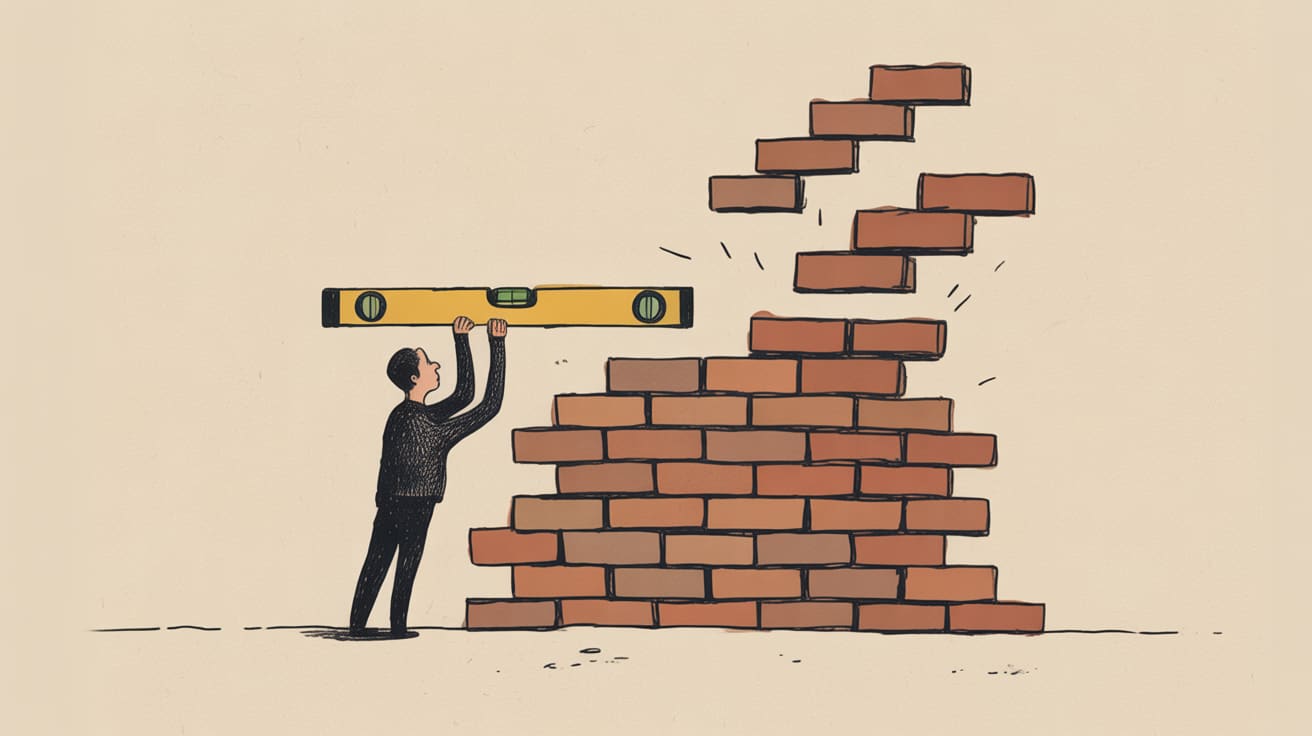
The fix isn’t purely a tracking-layer problem. It starts at the interface design stage — reserve explicit space for streaming content containers before content arrives, so the DOM skeleton is stable even when data isn’t. Teams using content-visibility reservations or CSS min-height anchors give the tag manager something solid to attach to. This is the design-to-data handshake that rarely happens in sprint planning but always surfaces in post-launch audits.
ARIA States and the Event Listener Timing Problem
Pambou raises something that most analytics engineers encounter but few document properly: streaming UIs need explicit ARIA live region management, and that same management logic is your best friend for firing tracking events at the right moment.
aria-live regions signal to assistive technologies that content is updating dynamically. But they also give you a structured, semantic hook. If your engineering team is properly implementing aria-busy="true" while a stream is in progress and flipping it to aria-busy="false" on completion, that state transition is a reliable, accessible, and trackable signal — far more dependable than polling the DOM or waiting on a setTimeout that someone will eventually change.
This is the kind of conversation that requires marketing and engineering to actually share a Figma file and a data layer spec at the same time. In Southeast Asian markets, where apps like Shopee and Lazada have normalised progressive content loading for millions of users on mid-range Android devices, the tolerance for layout instability is lower than Western benchmarks assume — users drop off faster, and they don’t file bug reports.
If your streaming UI isn’t announcing state transitions accessibly, it’s almost certainly not announcing them trackably either.
Keyboard Navigation Gaps Are Consent and Compliance Gaps Too
One section of Pambou’s analysis that deserves more attention than it typically gets: keyboard navigability during active streaming states. When content is loading progressively, focus management often breaks — users tabbing through the interface can land on elements that haven’t fully rendered, or skip elements that arrived after their cursor position was set.
For tracking teams, this matters in a specific way: keyboard navigation events are a primary signal in accessibility audits and, increasingly, in regulatory compliance reviews across Southeast Asia. Thailand’s PDPA and Indonesia’s UU PDP both have provisions that touch on digital accessibility in commercial interfaces. An interface that can’t be navigated cleanly by keyboard isn’t just a UX failure — it’s a potential compliance surface.
More practically: if your consent management platform (CMP) sits inside or adjacent to a streaming UI container, you need to test consent banner rendering and interaction states under streaming conditions explicitly. A consent event that fires before the user has actually seen and interacted with the banner — because the banner rendered mid-stream and your trigger fired on container load rather than user action — is exactly the kind of thing that surfaces in a data audit at the worst possible moment.
QA plans for streaming interfaces should include consent flow testing as a first-class scenario, not an afterthought.
Contrast, Visibility, and the Invisible Tracking Failure
A smaller but related point, surfaced by CSS-Tricks’ reference on the contrast() filter function: visual contrast manipulations applied dynamically — think dark mode toggles, streaming skeleton-to-content transitions, or animated reveals — can inadvertently affect the visibility of tracking pixels or third-party script-injected elements.
This sounds niche until you’re debugging why a specific retargeting pixel fires inconsistently across users with system dark mode enabled, and you trace it back to a CSS filter applied to the parent container that the pixel was injected into. contrast() and related filter functions operate on the compositing layer, which can affect how iframes and injected content render — particularly on mobile WebKit.
For server-side tagging setups, this is less of a concern since the data pipeline sits outside the render tree entirely. But for client-side tag deployments — still the majority in the region — it’s worth auditing any dynamic visual filter applied to containers that host third-party scripts.
Key Takeaways
- Reserve explicit DOM space for streaming content containers before data arrives — this stabilises both UX and the selectors your tag manager depends on.
- Use
aria-busystate transitions as reliable, semantic hooks for tracking event triggers rather than polling or arbitrary timeouts. - Test your consent management flow explicitly under streaming UI conditions; a consent event that fires before the user interacts is a compliance liability, not just a data quality issue.
Streaming UIs are becoming the default pattern for content-heavy apps across Southeast Asia — the infrastructure is there, the user expectation is set, and the design patterns are maturing fast. The tracking architecture to match hasn’t caught up. The teams that close that gap now will spend a lot less time explaining data anomalies in quarterly reviews six months from now — which is, when you think about it, a better use of everyone’s afternoon.
At grzzly, this is exactly the territory we work in with digital teams across Southeast Asia — building tracking architectures that hold up when the interface is dynamic, the consent environment is complex, and the engineering team has opinions. If your streaming UI has outpaced your data layer, we’d like to hear about it. Let’s talk
Sources

Written by
Cryptic GrizzlyFluent in server-side tagging, consent-mode logic, and the intricate diplomacy of getting marketing and engineering to agree on a data layer. Nothing ships without a QA plan.