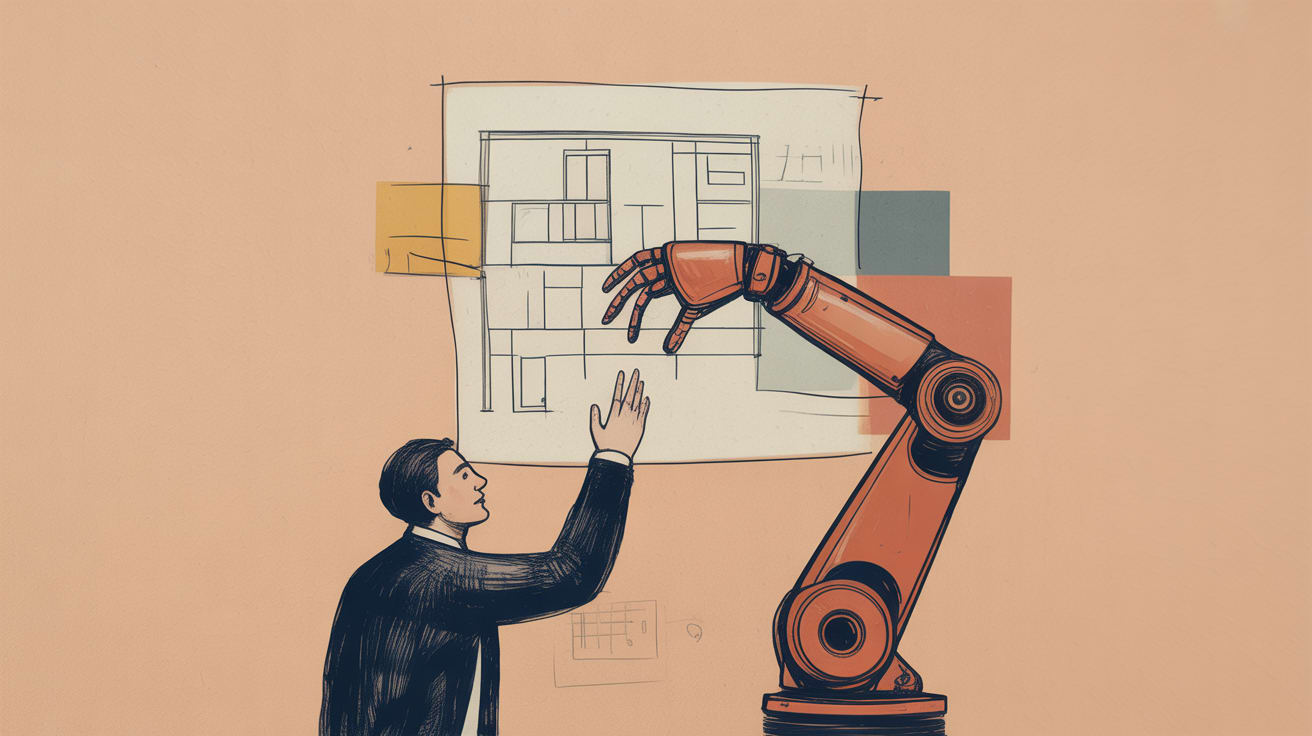
AI can accelerate UX research and design — but emotional context is still a human advantage. Here's what that means for your design system strategy.
AI-assisted UX research can now synthesize a thousand session recordings before your morning standup. The question isn’t whether to use it — it’s knowing exactly where the machine’s read on your users ends and your strategist’s begins.
The Assumption Problem Hiding Inside Your Design Process
Smashing Magazine’s Kyrylo Levashov recently identified four persistent assumptions baked into software design that quietly degrade user experience — chief among them: that system logic and user mental models naturally align. They rarely do. This is where data-driven teams often make a category error: they optimize for what users do in the interface rather than what users expect the interface to mean.
For brands operating across Southeast Asia’s fragmented digital landscape — where a Shopee seller dashboard, a GrabFood merchant portal, and a LINE OA interface each carry their own interaction conventions — this gap between system logic and user expectation is wider than most product teams admit. When your analytics show high drop-off at a specific step, the data tells you where users leave. It takes a human researcher to understand the emotional register of why — frustration, confusion, distrust — and translate that into a design decision that actually holds.
The practical fix: before your next design sprint, map your interface assumptions explicitly. Which flows assume familiarity with desktop conventions on a predominantly mobile audience? Which ones assume a single-language user in a market where Thai, English, and Mandarin coexist on the same screen?
Where AI Research Tools Hit Their Ceiling
UX Design’s Fabricio Teixeira made a point this week that cuts to the core of the AI-in-design debate: genuine communication between people — especially through creative work — depends on emotion, connection, and context that AI structurally cannot replicate. He isn’t arguing against AI tools. He’s drawing a clear line around what they’re actually good for.
From an analytics standpoint, that line maps cleanly onto the difference between pattern recognition and meaning-making. AI tools excel at clustering behavioral data, flagging friction points at scale, and generating test variants faster than any human team. Hotjar’s AI summaries, Maze’s automated insight reports, and emerging tools built on session replay data are genuinely useful for surface-level synthesis.
But ask an AI to interpret why a promotional banner performs 34% better with Indonesian audiences than with Filipino audiences when the visual hierarchy is identical — and you’re back in human territory. Cultural resonance, trust signals, the specific way a color reads against a shared cultural memory: these are not pattern problems. They’re context problems. And context, as Teixeira notes, is precisely what AI lacks.
The implication for design teams: use AI to compress the research timeline, not to replace the researcher’s interpretive role. Structure your workflow so the AI handles volume, and your senior UX lead handles signal.
Building Design Systems That Don’t Erase the Human Signal
One of the underappreciated risks of scaling design systems quickly — particularly as AI-generated components make it faster than ever — is that you can inadvertently build consistency at the cost of emotional texture. A perfectly coherent component library that scores well on accessibility audits and renders cleanly across breakpoints can still feel cold in market.
For Southeast Asian digital teams, this tension is particularly acute on high-stakes transactional interfaces: checkout flows on Lazada storefronts, onboarding screens for fintech apps in the Philippines, loyalty program dashboards for regional retail brands. These are environments where trust is the conversion variable, and trust is not a design token you can define in Figma.
The brands getting this right are treating their design system as a floor, not a ceiling. Tokopedia’s product team, for instance, has consistently maintained warmer, more conversational microcopy within an otherwise tightly standardized component system — a deliberate choice to keep a human register alive inside a scaled interface. The result is a checkout experience that feels locally calibrated even as the underlying system scales across millions of SKUs.
The tactical move here: establish a “human signal audit” as a quarterly design system review. Specifically evaluate whether AI-generated or templatized components have eroded the emotional cues — microcopy warmth, illustration expressiveness, motion sensitivity — that drive trust in your specific markets.
Turning UX Insight Into Activated Design Decisions
From a data activation perspective, the most consistent failure mode I see in regional design processes is the gap between research synthesis and design decisioning. Teams invest in UX research — qual and quant — and then fail to close the loop between what the data reveals and what actually gets built in the next sprint.
The problem is often structural: research outputs live in Notion, design decisions live in Jira, and the strategic interpretation that should connect them lives in someone’s head. AI can help bridge this faster — tools like Dovetail are increasingly capable of tagging and clustering qualitative research at scale — but the decisioning logic still needs a human owner.
Building that decisioning layer explicitly into your design process is where human-centered design stops being a philosophy and starts being an operational advantage. Concretely: designate a research-to-design translator role in your sprint structure — someone whose job is specifically to convert synthesized user insight into prioritized design hypotheses, with measurable success criteria attached. Not a UX researcher. Not a product manager. The person who sits between them and speaks both languages.
In markets where user behavior is shifting as fast as Southeast Asia’s — mobile payment adoption, social commerce evolution, super-app consolidation — that translation layer is the difference between a design system that reflects your users as they are today and one that’s already six months behind.
Key Takeaways
- Use AI to accelerate UX research synthesis, but protect the interpretive layer — cultural and emotional context still requires human judgment, especially across Southeast Asia’s diverse markets.
- Treat your design system as a floor for consistency, not a ceiling — build in deliberate mechanisms to preserve human warmth and local resonance at scale.
- Close the research-to-design gap with a dedicated decisioning role: someone who translates synthesized insight into testable design hypotheses with measurable outcomes attached.
The real question design teams should be sitting with right now isn’t how much of the UX process can be automated — it’s which parts of the human signal, if automated away, would cost you conversion, trust, or market fit in ways your analytics dashboard won’t surface for another quarter. That lag time is where design strategy actually lives.
At grzzly, we work with marketing and product teams across Southeast Asia to connect design decisions to the data structures that validate them — from research synthesis to design system governance to conversion analytics. If your team is navigating the line between AI-accelerated design and the human insight that keeps it grounded, we’d be glad to think through it with you. Let’s talk
Sources

Written by
Mellow GrizzlyTranslating raw data into activated audience segments, predictive models, and decisioning logic. Comfortable at the intersection of the data warehouse and the campaign manager.